


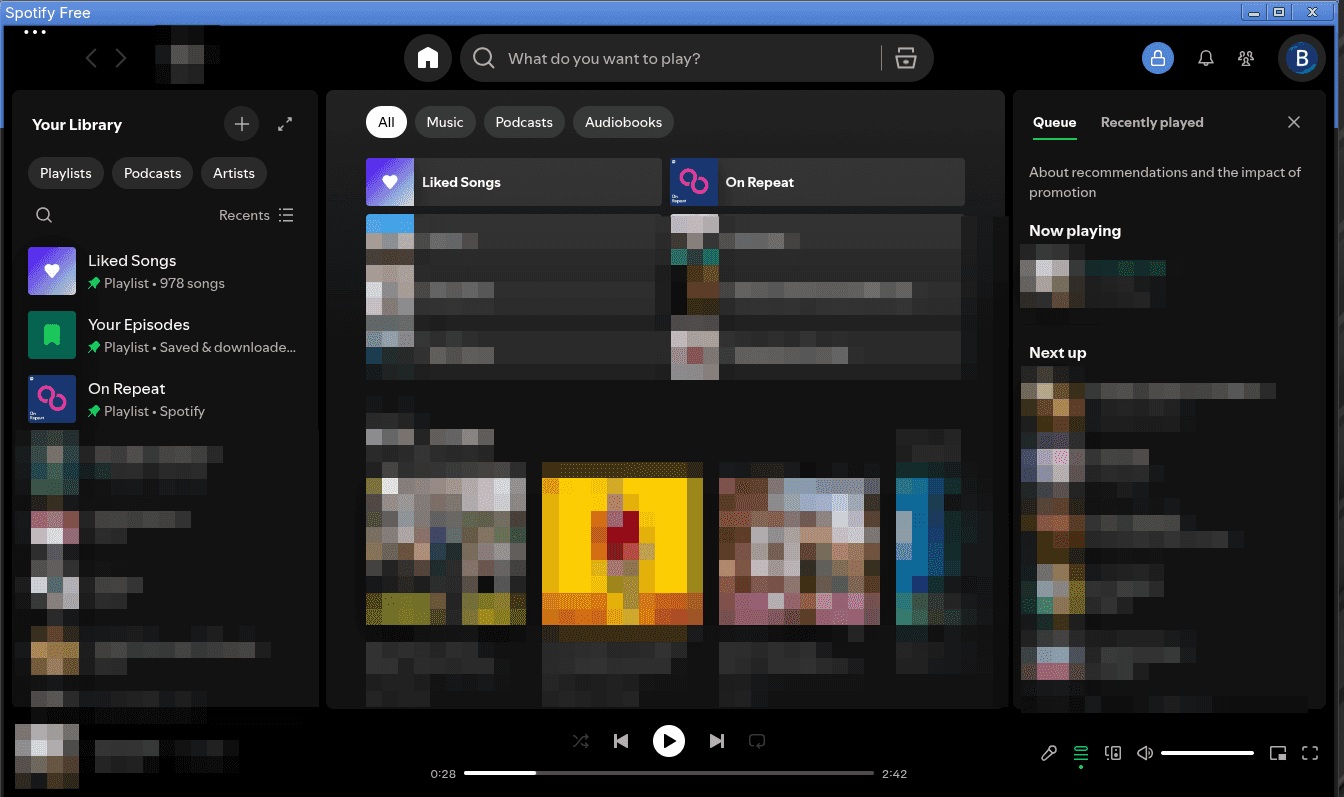
How to Fix Spotify's Ugly Blue Titlebar on Gnome
Note: If you're using the Flatpak version of Spotify or Spotify Launcher rather than Spotify directly, this article won't fully solve your problem. Hit me up on my Discord server for assistance, as I haven't had time to update this article for those situations yet.
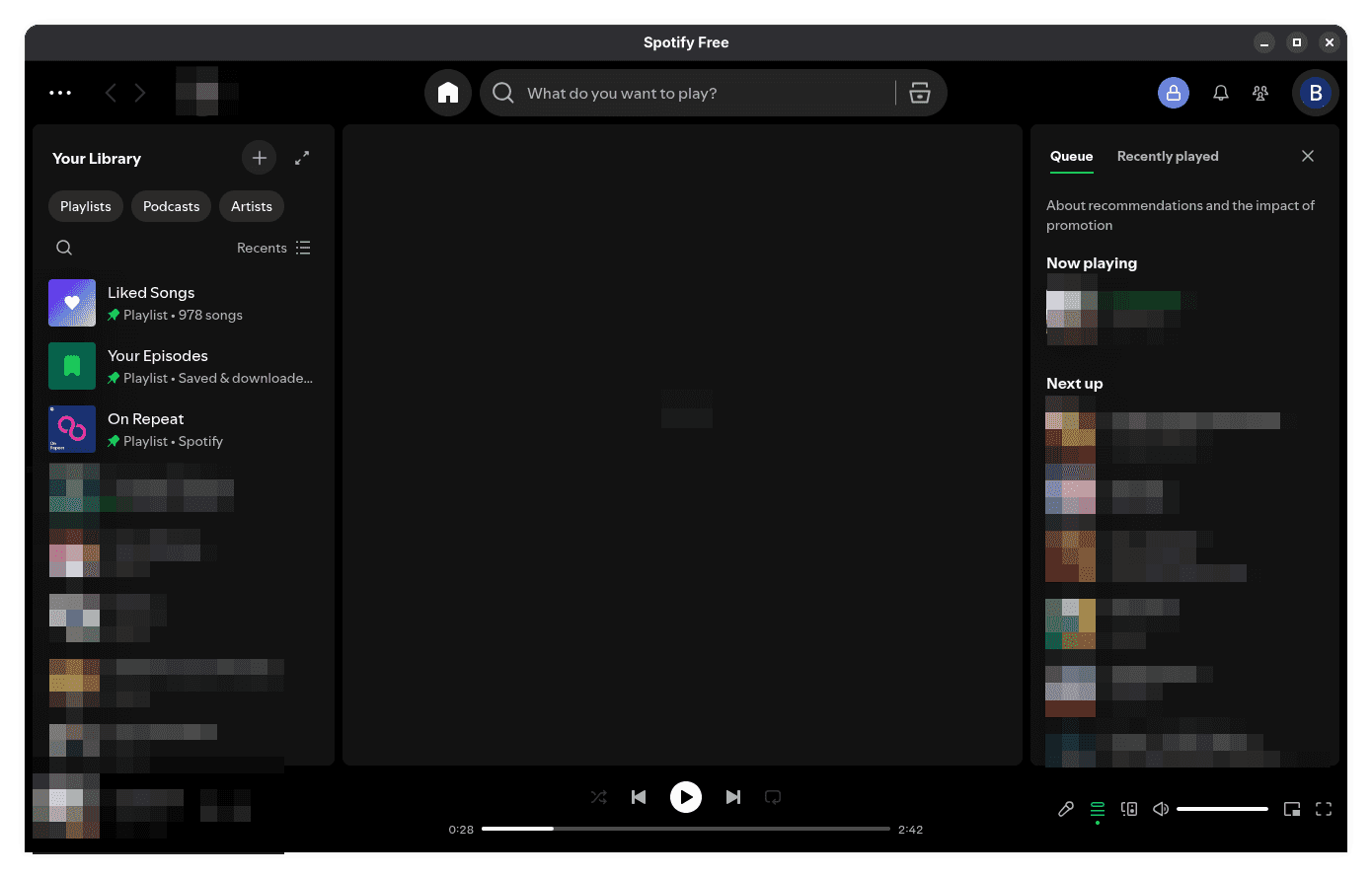
This is going to be a super short article because this is a really easy fix! I've been using Arch Linux with Gnome and recently noticed an annoying blue titlebar on Spotify that doesn't match the default Gnome design. I'm using the spotify Arch Linux package. Based on my research, this has to do with the Chromium Embed Framework's design, along with Gnome famously not supporting Server-Side Decorations in apps.
Before
Fix
-
Close Spotify.
-
Open a bash terminal. Run:
nano ~/.config/spotify-flags.conf -
An interactive editor should appear. Paste this content (press
CTRL + Shift + V):--ozone-platform=x11 --disable-features=UseOzonePlatform -
Save the file (press
CTRL + O, thenEnter, thenCTRL + X). -
Reopen Spotify.
After
Not working for you? Hit me up on my Discord server!